![Text Logo White.svg]](https://support.apprentiscope.com/hubfs/Company%20Logos/Text%20Logo%20White.svg)
User Types: Regulators, Sponsors & Employer Administrators
Step 1: Visit your Applicants Page, here
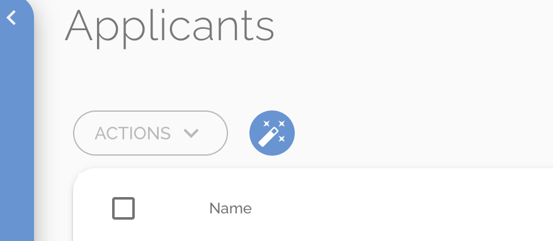
Step 2: Click on the Magic Wand button
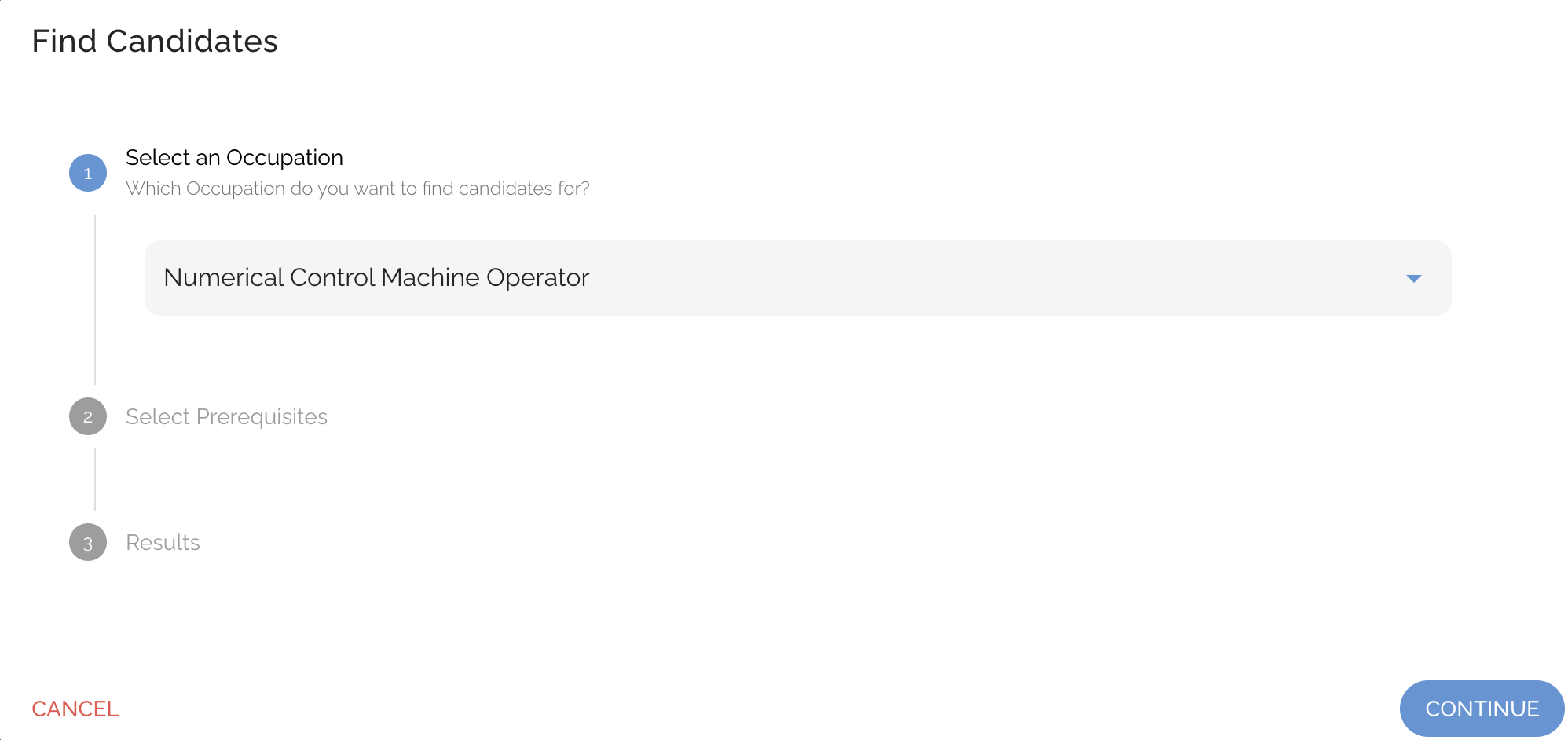
Step 3: Select an Occupation
- Then click Continue
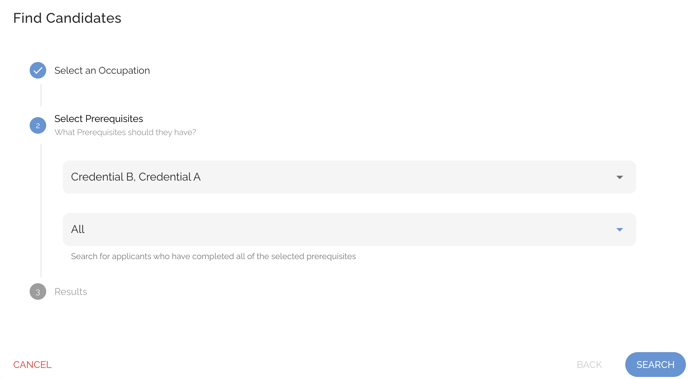
Step 4: Select the Prerequisites & Query Type
- Then click Search
- Note: Query Type determines whether the query selects applicants who meet Any or All of the selected prerequisites
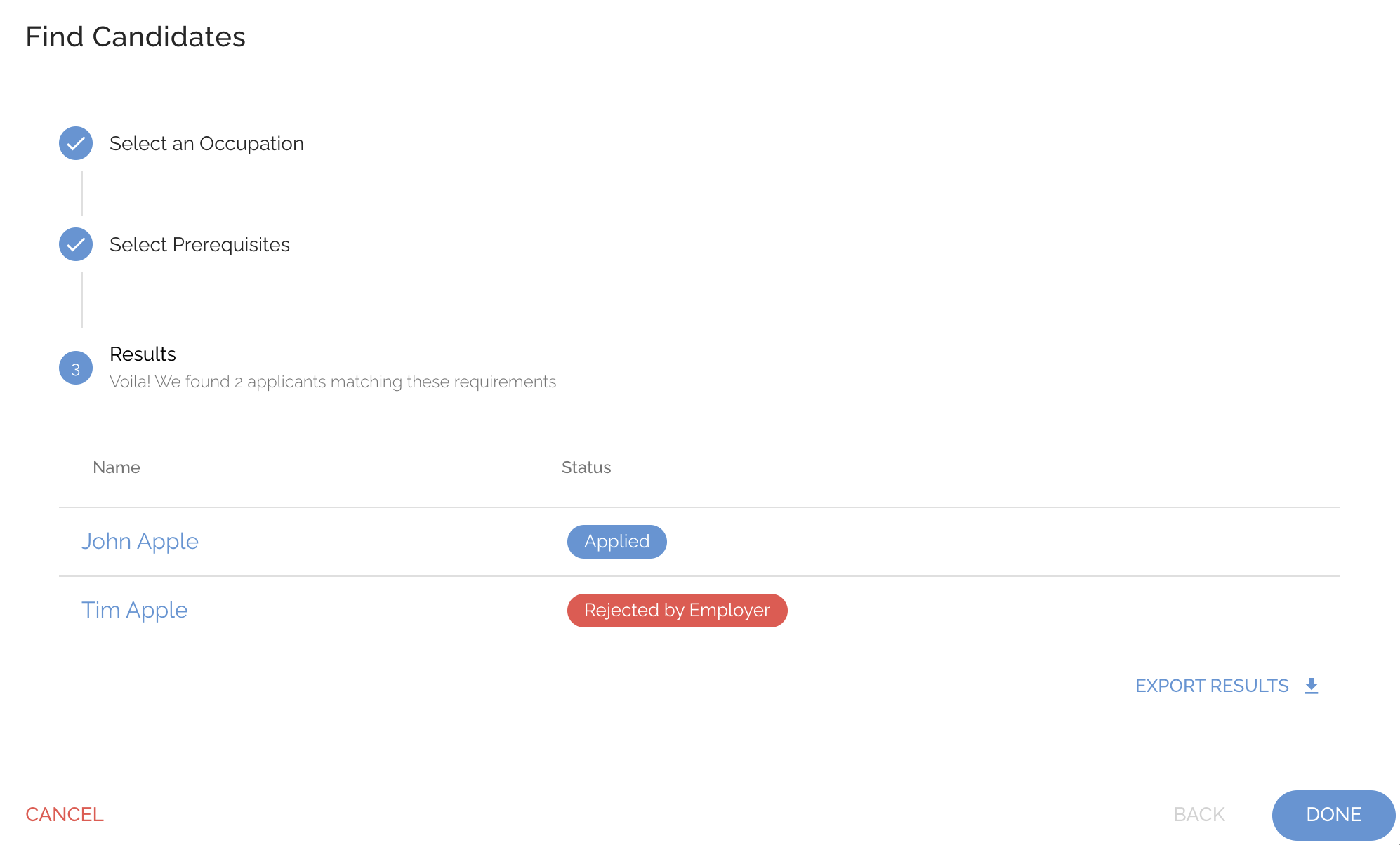
Step 5: View and Export Results