![Text Logo White.svg]](https://support.apprentiscope.com/hubfs/Company%20Logos/Text%20Logo%20White.svg)
User Types: Regulators, Sponsors, Employer Administrators, Supervisors, Mentors, Providers, Apprentices & Applicants
Step 1: Go to ApprentiScope's login page
Step 2: Click Forgot Password
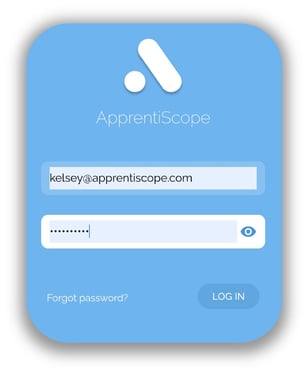
Step 3: Enter your email associated with your ApprentiScope account
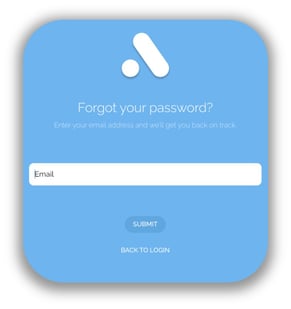
Step 4: Wait a few seconds for an email from ApprentiScope. Click the link in the body of the email and follow the instructions to reset your password.
Step 5: Go back to our login page and log in with your new password.
Password reset emails can take up to 5 minutes to be received. If you do not receive an email after 5 minutes, please check your spam folder. If it is not in your spam folder, please try submitting your email again or reach out to the Support Team by submitting a ticket here.