![Text Logo White.svg]](https://support.apprentiscope.com/hubfs/Company%20Logos/Text%20Logo%20White.svg)
User Types: Regulators, Sponsors, Employer Administrators, Supervisors, Mentors, Providers, Apprentices & Applicants
Step 1: Log into your ApprentiScope account
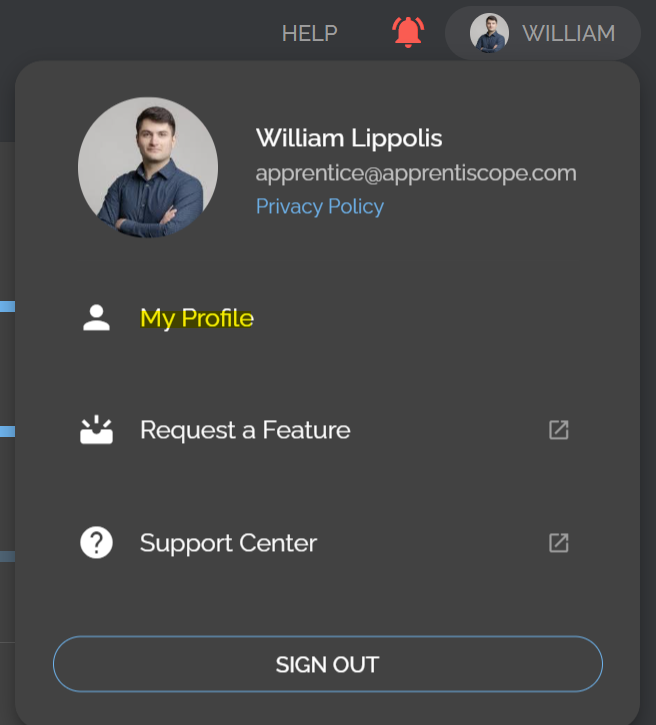
Step 2: Click on your Profile Icon located in the top right corner of your screen

Step 3: Choose My Profile from the menu options
Step 4: Select the Settings tab on the Profile page

Step 5: Find the setting Text Messages and toggle it on
