![Text Logo White.svg]](https://support.apprentiscope.com/hubfs/Company%20Logos/Text%20Logo%20White.svg)
User Types: Regulators, Sponsors, Employer Administrators
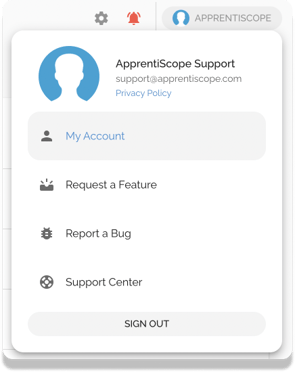
Step 1: Click your name at the top right and select My Account or MyProfile from the drop-down.
Step 2: Click on the Settings tab and choose which activities you'd like to receive notifications for! White is OFF; Blue is ON
.png?width=688&name=Screen%20Shot%202022-04-22%20at%2012.02%20(1).png)
If you have questions or need help, please submit a Support Ticket here.