Our Capacitor integration allows you to:
- Create Capacitor accounts for new participants from ApprentiScope
- Enroll participants in Capacitor classes from ApprentiScope
- Sync final grades between Capacitor and ApprentiScope upon completion
1. Retrieve your API Key
-
- You'll need to contact Mike Holt's support to request your API key.
Click here to request your Capacitor API key
- You'll need to contact Mike Holt's support to request your API key.
2. Configure LMS Integration in ApprentiScope
-
- Login to your ApprentiScope account
- Visit your Settings & Permissions page
- Select the Integrations tab and locate the Learning Management System section
- Select Mike Holt's Capacitor from the System dropdown
- Enter your API Key from Step 1 under the Key field

3. Map ApprentiScope Courses to Capacitor Classes
-
- Select an occupation to map and visit it's Occupation Details page in ApprentiScope
- Click the Related Instruction tab and select a course
- Locate the Course ID field below Description, and enter the Capacitor Class ID. Capacitor Class IDs can be found in the URL bar when viewing a class in Capacitor. In the example below, the Capacitor Class ID would be 123.

- Repeat this for all courses and occupations you'd like to map to ApprentiScope
4. Link Existing ApprentiScope Users with Capacitor
-
- Visit your Apprentice Overview page
- Select the apprentices you'd like to register in Capacitor
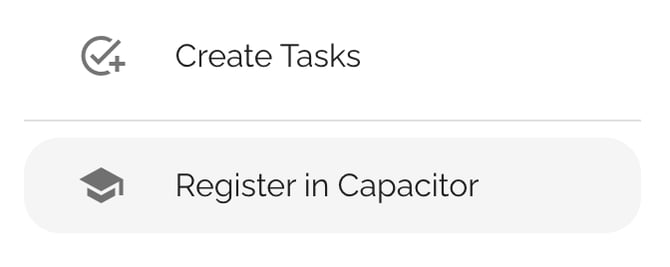
- Select Actions, then click Register in Capacitor
- If there is an existing user in Capacitor under this email, it will simply link the accounts, whereas if there is not a matching user, we will create a new user and link the two accounts.